Currently, Businesses are looking for tools that allow them to perform tasks quicker, eliminate manual processes, and gain insight into their data. That is where Microsoft Power Platform comes in as an extremely effective solution. Microsoft Power Platform provides businesses with these capabilities through user-friendly tools accessible to individuals without technical or programming skills.
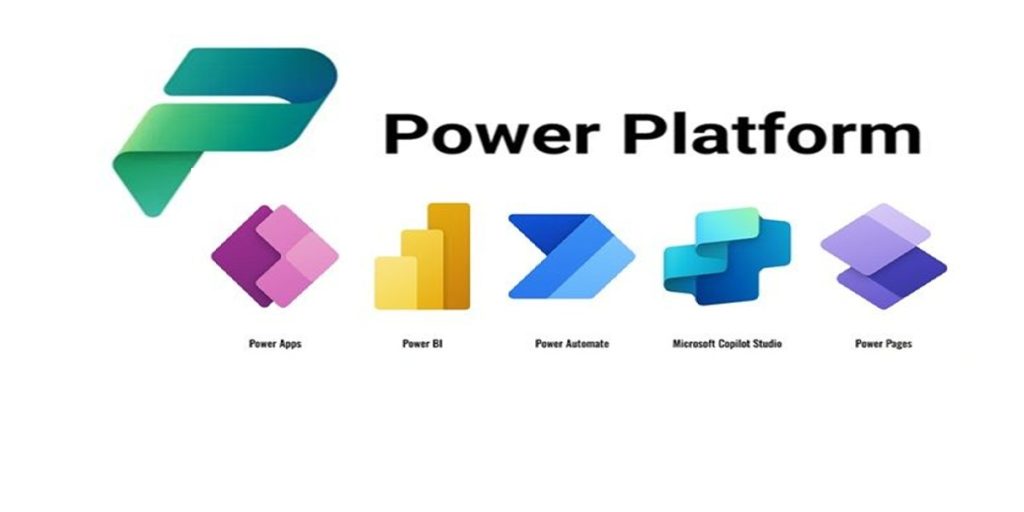
The Microsoft Power Platform is based on Microsoft Dataverse and consists of five platforms. They are Power BI, Power Pages, Power Apps, Power Automate, and Power Virtual Agents. With these platform, businesses can easily create applications, automate workflows, analyze data, and create smart chat bots with minimal coding.
This blog explains what Microsoft Power Platform is, why it matters, its core tools, benefits and real business use cases.
What is the Microsoft Power Platform?
Microsoft Power Platform is a low-code/non-code platforms that enable organisations to quickly build customised digital solutions. The platforms seamlessly integrate with Microsoft 365, Dynamics 365, Azure, and many other enterprise software applications.
The Microsoft Power Platform Consists of:
- Power BI: A tool used to analyse and create reports based on data.
- Power Apps: A tool to create custom applications for business purposes.
- Power Automate: A tool to automate workflows and provide an end-to-end experience for repetitive, time-consuming tasks.
- Power Virtual Agents: A tool to develop AI-enabled conversational assistants (chatbots).
- Dataverse: A secure platform to keep, share and transfer data.
The Power Platforms simplify the process of addressing day-to-day business challenges. It allows organisations to develop their solutions quickly and without having to go through years of resource-intensive, technical challenges.
Why Microsoft Power Platform Is Important for Modern Businesses?
Many companies still rely on the manual work, spreadsheets, old software, emails etc. All these methods slow down the productivity and also leads to the errors. Microsoft Power Platforms assist the companies to simplify and modernize their business operations.
Here are a few key reasons why a business should choose Microsoft Power platform:
- Ability to develop applications quickly with less effort.
- No requirement for advanced skills in coding at all.
- Provide clear reports and insight based on the data.
- Improves the team productivity by automating their repetitive daily activities.
- Connects easily with other existing systems within the organization.
- Provides secure and scalable solutions that grow with the organization.
- Enable the organization to quickly react to changes.
- Provide solutions that address actual business needs.
The Components of the Microsoft Power Platform
Let’s break down each components and their benefits
- Power BI- Turn Data into clear Insights
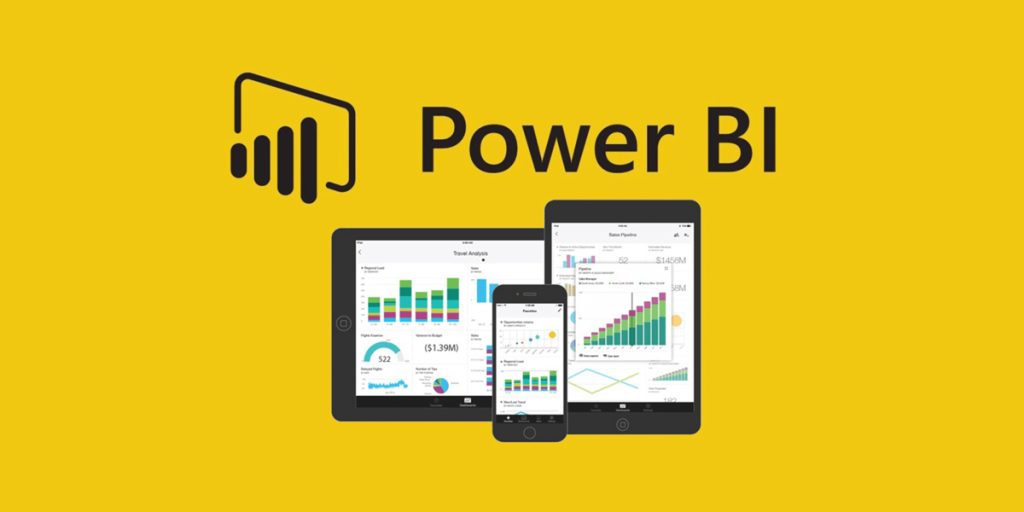
There is a lot of data generated these days, but raw data is not useful anymore. With Power BI, the data you collect is transformed into reports and dashboards that make it easier to use.
What is Power BI capable of doing?
- Create connection between multiple data sources
- Create real-time dashboards
- Create trend, pattern and insight
- Assist Managers in making more effective decisions
Benefits of Power BI
- Drag-and-drop reports
- Real-time Business Intelligence
- Secure Data Sharing
- Mobile-ready Dashboards
Power BI Use Cases
- Tracking Sales Performance
- Financial Reporting
- Analysis of Customer Behavior
- Inventory Management
- Power Apps – Develop Custom Business Apps Faster
Power Apps offer organizations the ability to develop unique apps without the difficulty of complex coding.
What Power Apps Can do?
- Replacement of manual forms or spreadsheets
- Able to create internal apps for teams with in organization
- Interfacing with an organization’s existing databases
- Improvement of day-to-day operations
Types of Power Apps
- Canvas Apps – fully flexible layout design
- Model – Driven Apps- data-driven applications
- Portal Apps – ability for external users to access an organization’s database
Benefits of Power Apps
- Development of apps in a short amount of time
- Lower development cost
- User-friendly interface
- Easily connect to other Microsoft tools
Power Apps Use Cases
- Expense management applications
- Employee on-boarding systems
- Approval/request forms
- Asset tracking applications
- Power Automate-Automate Repetitive Tasks
Most teams waste hours each week performing approval, emailing, and updating data. All these can be done automatically with Microsoft Power Automate platform. This increase the productivity of team work and remove the burden of manual work.
What Does Microsoft Power Automate Do?
- Automate Workflows
- Connect to multiple apps and services
- Send alerts and notifications
- Reduce manual work
Benefits of Microsoft Power Automate
- Saves time & money
- Decreases human errors
- Improves process speed
- Works 24/7
Power Automate Use Cases
Workflow Approvals
Invoice Processing
Sending Email Notifications
Synchronizing Data
- Power Virtual Agents- Build Smart Chatbots Easily
Businesses need to respond to customer inquiries and internal help desk requests quickly. Microsoft Power Virtual Agents allows businesses to build chatbots with no coding experience.
What Can Microsoft Power Virtual Agents Do?
- Provides quick answers to customer inquiries
- Handles common requests
- Integrate with many different business systems
Benefits of Microsoft Power Virtual Agents
- Provides 24/7 Available Support
- Lowest Cost of Providing Support
- Consistent Answers
- Faster response time to Enquiries
Power Virtual Agents Use Cases
- Customer Service Chatbot
- HR Support Chatbot
- IT Helpdesk Chatbot
- Product Information Chatbot
- Dataverse – Secure Data Management
The Microsoft Dataverse serves as the foundation for all Power Platform solutions. Because it stores and manages all types of business data safely.
Key features of Dataverse
- Centralized data Storage
- Role-Based Security
- Easily integrated with other applications
- Scalable architecture
Benefits of Microsoft Power Platform for Businesses
Microsoft Power Platform assist companies work smarter by reducing manual work and improving efficiency. Here are the key benefits:
- Speed of Digital Transformation: With Power Platform, businesses can rapidly turn ideas into solutions without long development cycles.
- Low-Code Development: Even non-technical users will be able to develop apps and workflow in Power Platform environment with minimal training
- Cost Savings: Developing and maintaining applications in the Power Platform costs significantly less than developing and maintaining traditional software.
- Better Collaboration: Using shared applications, dashboards, and automation tools, business teams can collaborate with one another more easily.
- Security and Scalability: Microsoft Power Platform provides the highest level of security and scalability. Therefore, companies can trust that their data is protected.
- Seamless Integration of Applications: Microsoft Power Platform easily integrates with Microsoft 365, Microsoft Dynamics 365, Microsoft Azure, and many other third-party software applications.
Future of Microsoft Power Platform
The Microsoft Power Platform continues to support the growing needs of modern companies. Microsoft consistently update new features, smart tools and seamless integration to make work easier and quicker. Through the integration of AI and Copilot, customers can now develop applications, create workflows to automate processes, and gain insights into their data faster than before. As a result of these advancements, the Power Platform has established itself as a complete solution for organizations of all sizes and a platform for future success.
Organizations that start adopting the Power Platform will have the ability to respond quickly to changes in the digital world as well as prepare themselves for the future.
What the Future Holds
- AI-Powered features to simplify automation and app creation
- Expanded use of Copilot to help companies create solutions through simple commands.
Improved integration with Microsoft 365, Dynamics 365 and the Microsoft Azure Cloud computing platform.
- The ability to utilize better tools to automate more complicate business processes.
- More robust data security and compliance tools.
- Improved ability to develop applications faster through low-code and no-code application platforms.
- Increased number of industry-specific templates and solutions available to organizations.
- Enhanced ability for business and IT departments to collaborate effectively.
- Tools that allow organizations to be scalable will adapt to the changing needs of the organization.
Conclusion
With the help of Simple Digital Tools, Microsoft Power Platform enables Businesses to work faster and smarter. It helps teams to build apps, automate Processes, and better understand their data without requiring extensive technical knowledge or complex coding. Moreover, it provides a simple user interface with built-in security, so that businesses can easily implement, integrate and control their existing systems. By utilizing this Platform, business can save time and reduce manual effort.